Yes. On Budtello, Oregon's wholesale cannabis marketplace, a buyer can press Counter on your price card and send back their own price, and you can accept, counter again, or decline.
How to do it
- Open your conversation with the buyer in Messages (on a phone, tap the icon at the top) and press Propose a price
- Type the amount into Pounds and the price into $ per lb, add a Note (optional), then press Send
- The buyer opens the same thread and sees the card with Accept / Counter / Decline
- The buyer presses Counter, types their own price into $ per lb and presses Send counter; your card now reads Countered
- Open the buyer's counter card and press Accept
- Answer Accept, not now when asked to make their price the customer price
- Both sides now see the card marked Agreed
Video
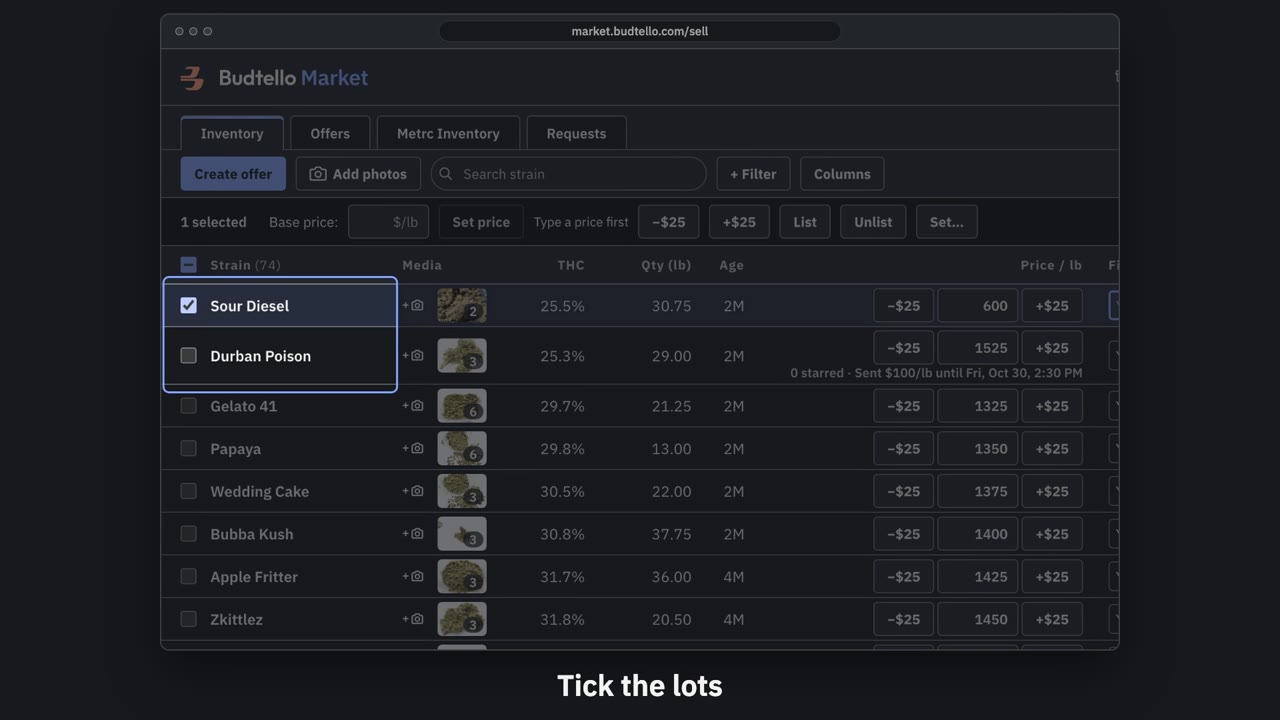
Make an offer and send it · 0:50
Video transcript
How to send a private offer. Tick the lots for this customer. An offer is a private price, for them alone. Press Create offer. Your list price, beside the price for this customer. Move them all at once, or type any price. Who it's for, and a note they'll see. How long it's good for: fourteen days, unless you change it. Here, seven days. Press Create and copy email. It's live, with thirty seconds to undo. Paste it into Gmail; they open it with no account. The full guide is in Budtello's help pages.
Good to know
- A countered card stays open until one side accepts or declines it
- Accepting a counter does not set a customer price unless you choose to
- An agreed card is kept as history - there is no delete