Yes. On Budtello, Oregon's wholesale cannabis marketplace, the Metrc Inventory tab has a search box that matches strain names or any part of a Metrc UID, including the last 5 digits, plus filters for product type and arrival time.
How to do it
- Open the Metrc Inventory tab
- Type a strain name or any part of a Metrc UID into Search by strain or Metrc UID - any part of the UID, including the last 5
- Press + Filter, then Indica to narrow by product type
- Press received in the last 30 days to narrow by arrival time
- Press Clear all to bring back every lot
- Press Refresh from Metrc to pull in the latest packages first, if a lot is missing
Video
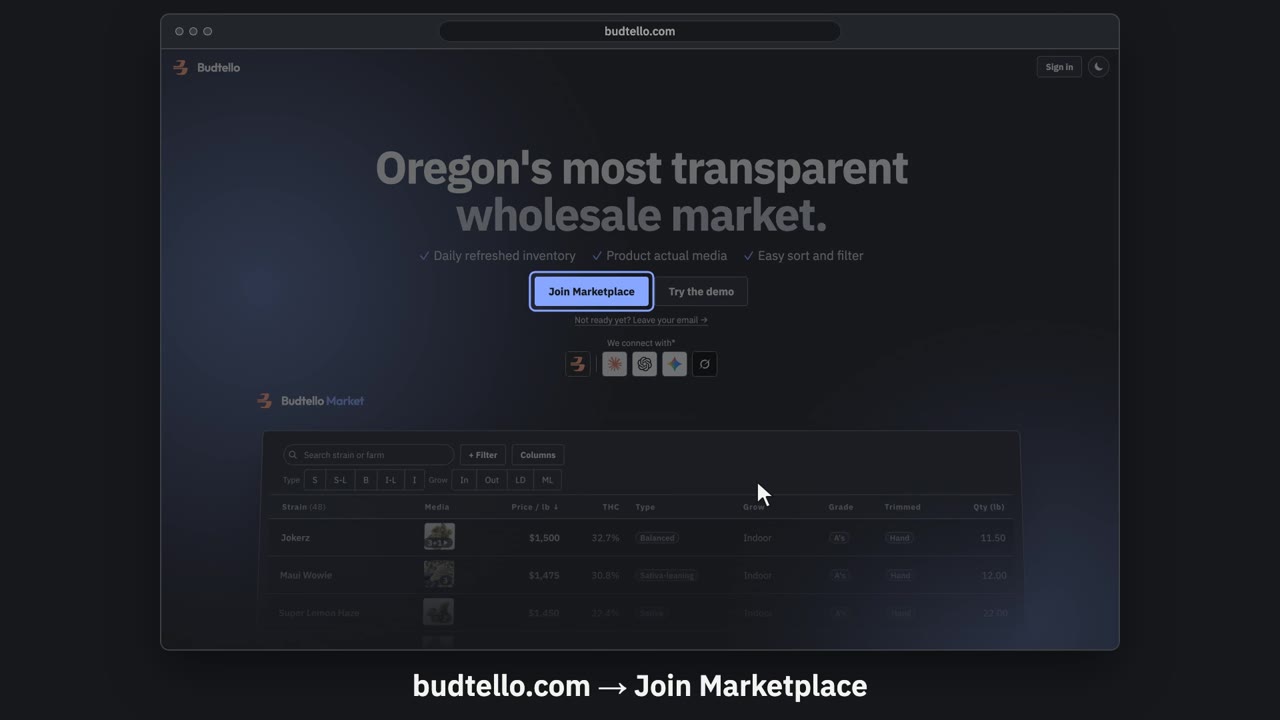
Sign up and connect Metrc · 0:57
Video transcript
Sign up for Budtello as a farm, and connect Metrc. On budtello dot com, press Join Marketplace. Create your account: your name, email and a password. Verify your licence opens by itself. It needs your Metrc user API key. Log in to Oregon Metrc. Top right menu: API Keys. Copy your User API Key. Paste your key here. Then press Verify. Key verified. Your inventory comes in, in about a minute. Sell opens with your lots from Metrc. A lot with no price stays private. Budtello only reads Metrc. It never changes a thing. The full guide is in Budtello's help.
Good to know
- Search matches strain names or any part of a Metrc UID, so you don't need the full code
- Clear all resets every filter and search term in one go
- You get 5 refreshes a day from Metrc, and 3 in any 15 minutes