Yes. On Budtello, Oregon's wholesale cannabis marketplace, right after you send an offer you get Undo on the spot that stops the link within 30 seconds.
How to do it
- Click Create offer on your ticked rows.
- Set each price in Offer $/lb under Set your prices.
- Type the customer's name in Customer under Who it's for, and move the slider under How long it's good for.
- Click Create and copy email.
- See "Sent — live now", the link and Undo with a count of seconds, and click Undo before it runs out to stop the link.
Video
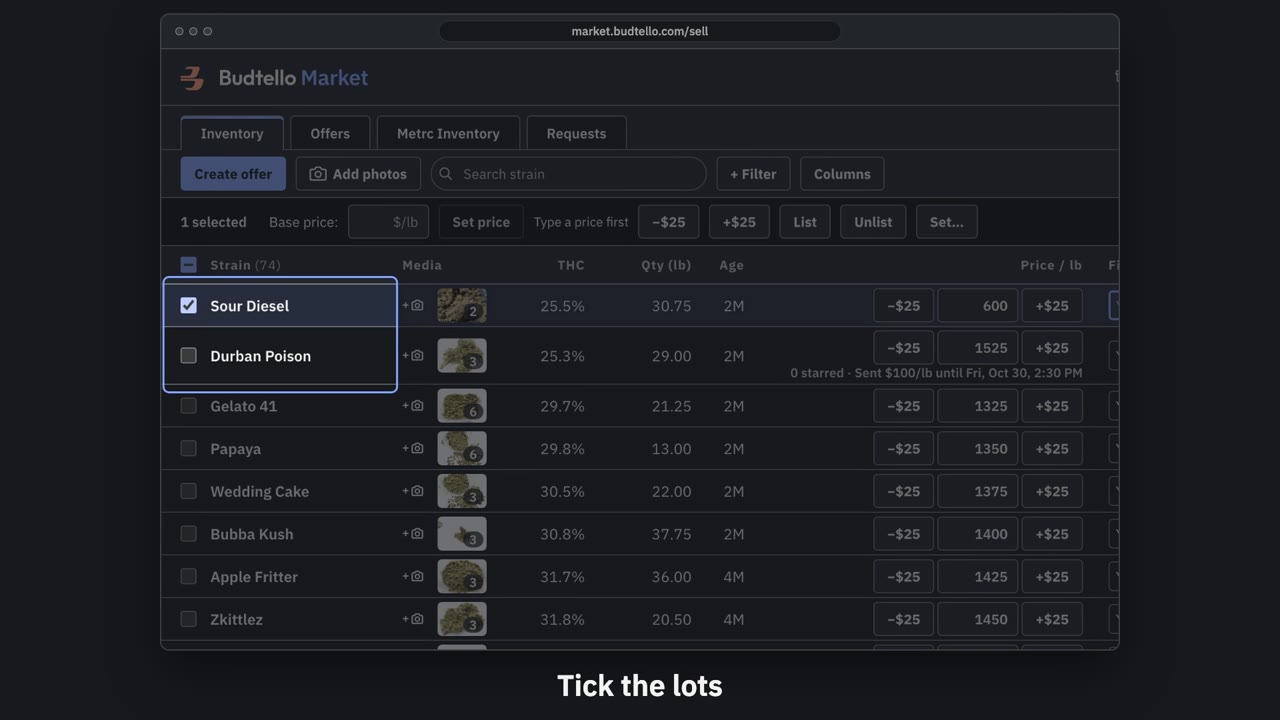
Make an offer and send it · 0:50
Video transcript
How to send a private offer. Tick the lots for this customer. An offer is a private price, for them alone. Press Create offer. Your list price, beside the price for this customer. Move them all at once, or type any price. Who it's for, and a note they'll see. How long it's good for: fourteen days, unless you change it. Here, seven days. Press Create and copy email. It's live, with thirty seconds to undo. Paste it into Gmail; they open it with no account. The full guide is in Budtello's help pages.
Good to know
- The link works at once, so Undo only helps inside the 30 seconds.
- Your prices on the market do not change — this is a private link for one customer.
- The customer opens the link without a Budtello account.