On Budtello, Oregon's wholesale cannabis marketplace, open the request on your Requests tab and close it as not filled; it moves straight to History.
How to do it
- In Requests, press Open on the row for your request: "No quotes yet."
- Press Close as not filled
Video
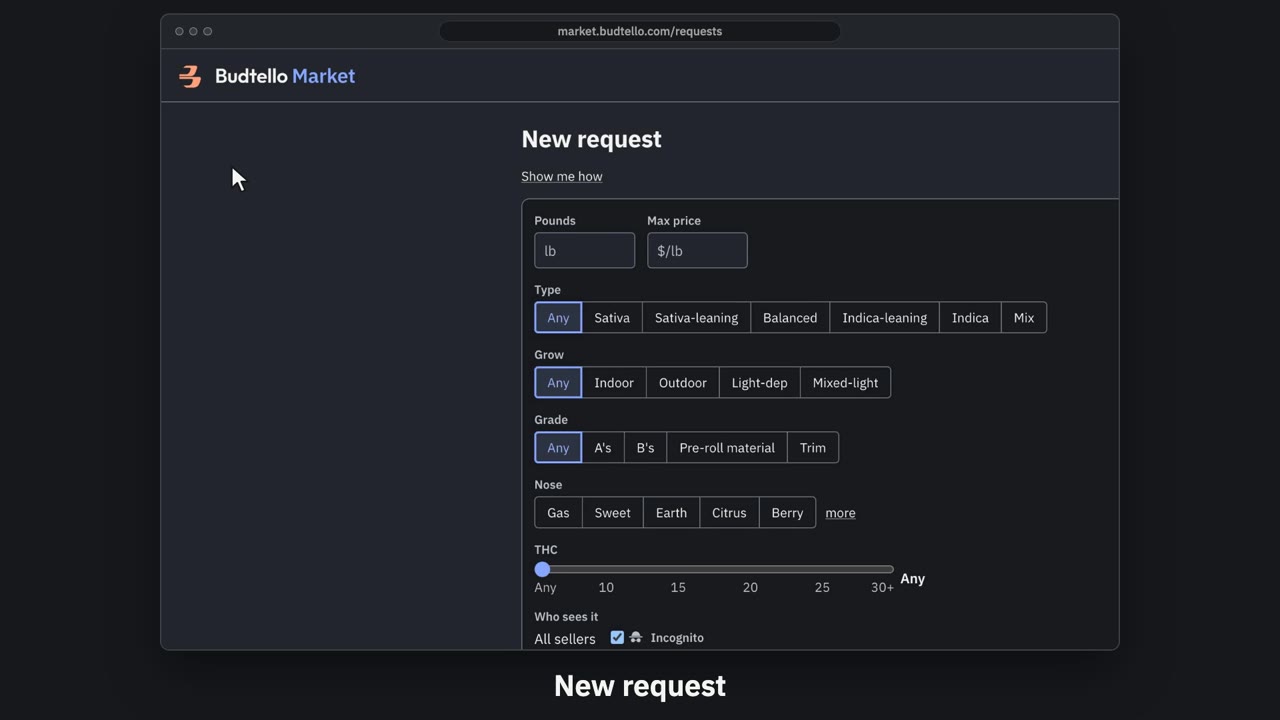
Post a request and read quotes · 0:57
Video transcript
How to post a request and read the quotes. Can't find it on the market? Post a request, and sellers quote you. On Requests, press New request. Fill in the pounds, and the most you'll pay a pound. Narrow it down if you like. Incognito is on: sellers see a verified buyer, until they quote. Check the market first. It shows what's already for sale close to your ask. Then post it. Posted. It runs for fourteen days. When sellers quote, the Quotes column says how many, and the best price. Open it. Every quote: the seller, strain, pounds and price. Only you see them. The full guides are in Budtello's help pages.
Good to know
- Closed requests move to History, and Re-open works until the request's 14 days run out
- Both Close as filled and Close as not filled act at once