On Budtello, Oregon's wholesale cannabis marketplace, a farm, wholesaler or processor pastes its Metrc user API key into Verify your licence after signing up, and the lots import by themselves, ready to price on Sell.
How to do it
- Click your username in the top-right corner in Metrc, choose API Keys and copy your User API Key (click Generate first if the box is empty)
- On Verify your licence, which opens by itself after you sign up, paste your key into Your Metrc user API key
- Tick the box that starts "I agree to the Terms of Service and Privacy Policy"
- Click Verify — you see "Key verified", with no licence to pick: the import starts for every licence on your key by itself
- Wait about a minute for "Importing your inventory from Metrc", then Sell opens with your lots on it
Video
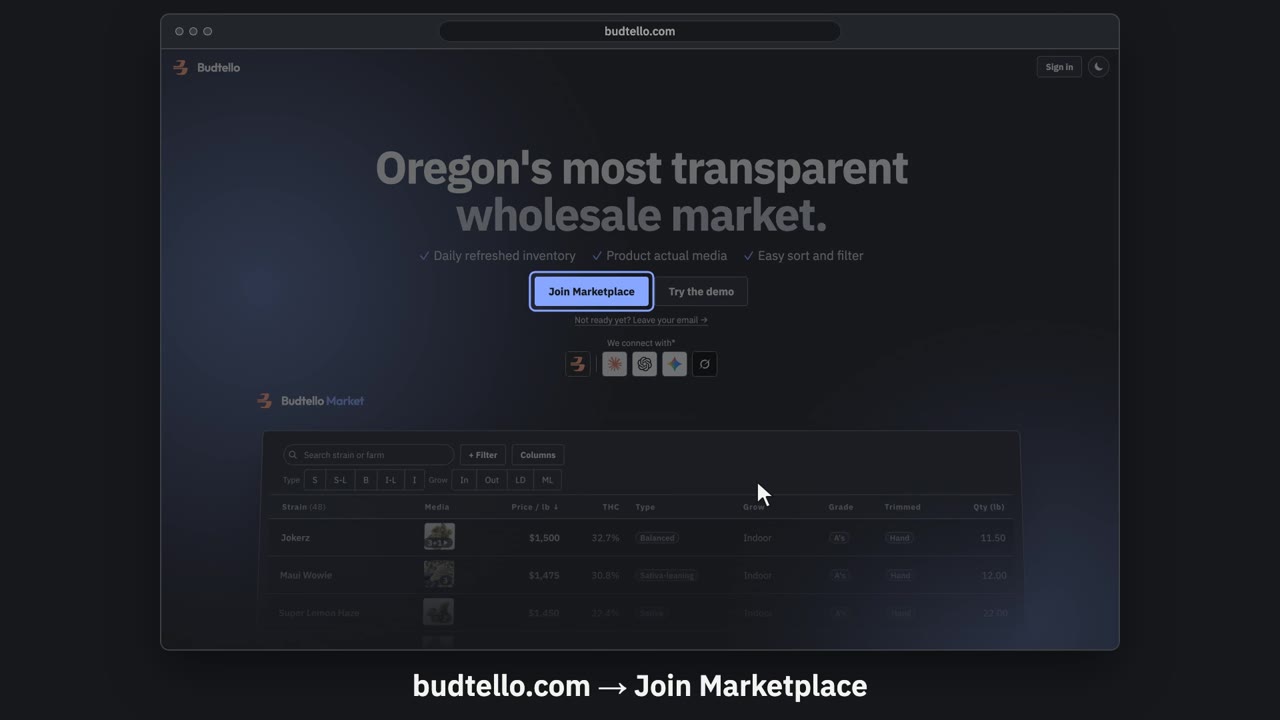
Sign up and connect Metrc · 0:57
Video transcript
Sign up for Budtello as a farm, and connect Metrc. On budtello dot com, press Join Marketplace. Create your account: your name, email and a password. Verify your licence opens by itself. It needs your Metrc user API key. Log in to Oregon Metrc. Top right menu: API Keys. Copy your User API Key. Paste your key here. Then press Verify. Key verified. Your inventory comes in, in about a minute. Sell opens with your lots from Metrc. A lot with no price stays private. Budtello only reads Metrc. It never changes a thing. The full guide is in Budtello's help.
Good to know
- One key covers every licence it reaches, so there is no licence to claim or type by hand
- Metrc is only ever read, never changed or written to
- Lots stay private until you price them, so nothing goes on the market by accident