On Budtello, Oregon's wholesale cannabis marketplace, a buyer can send a quiet "Request media" on a lot that has no photos, and you see it in two places on your Sell page.
How to do it
- Open Sell (on a phone, tap the icon at the top) and look at the row for the lot — it shows a chip reading N media requests
- Read the Needs you row, which shows a note that a buyer asked for media on that strain
- Press Open Quick upload on that row to go add the photos
Video
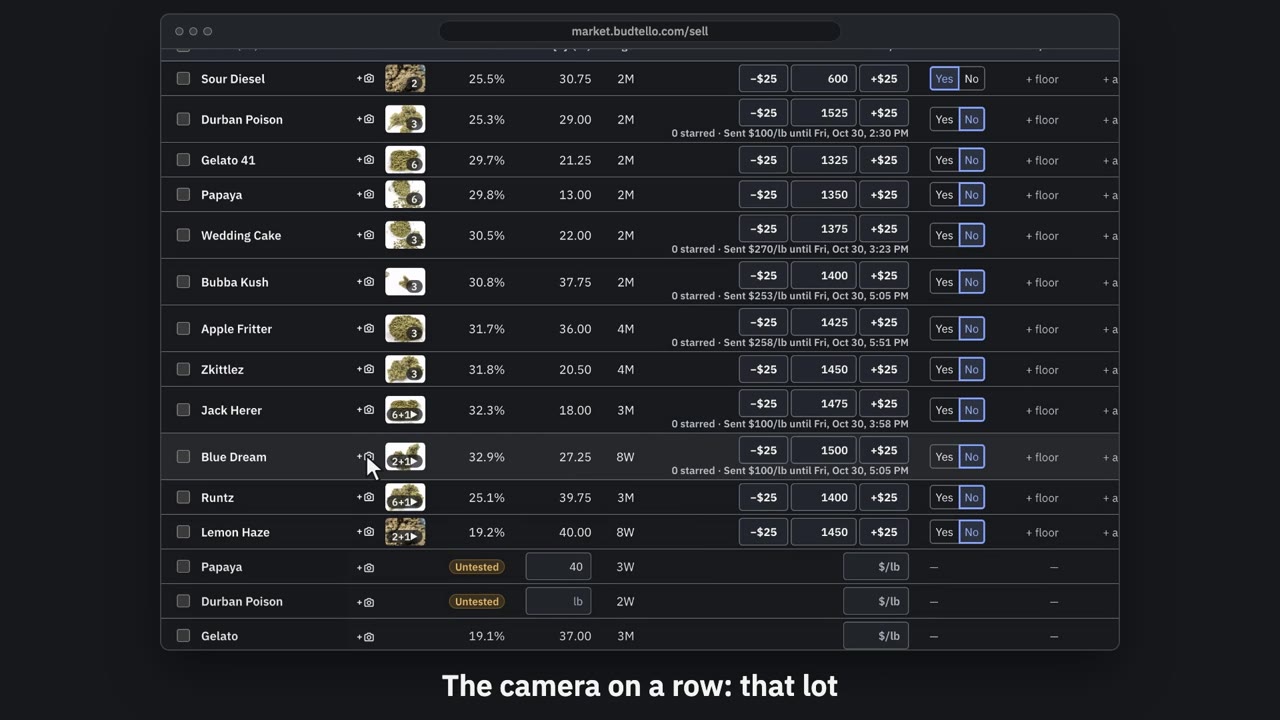
Add photos from your phone · 0:60
Video transcript
How to add photos from your phone. On Sell, photos go on your lots. Add photos opens the photo page for any lot. Or the camera on a row, for that one lot. Add photos shows a code for your phone. Here, on the demo. Scan it with your phone’s camera. It opens for photos and video only. On your phone, the same page opens on that lot. Open library or upload opens your phone's own photos and videos. Tap the nose that fits, if you like. Save stays grey until you pick a photo or video. Press Save, and on a listed lot your photos are live straight away. A listing shows eight photos and two videos. The full guide is in Budtello's help.
Good to know
- The request is shown as a chip and a Needs you note, not as a named buyer — the page tells you buyers stay anonymous.
- One request is counted per listing per day.