On Budtello, Oregon's wholesale cannabis marketplace, a nightly Metrc read finds any lot with no active packages left and takes it off the market: you get an email about it, and your Sell row shows the change, so you know your lot was shipped out of Metrc without checking Metrc itself.
How to do it
- Your email: look for the message saying the strain came off the market because Metrc shows no packages.
- Sell (on a phone, tap the icon at the top): find the row for that lot, now showing Off the market, with a note that nothing was deleted
Video
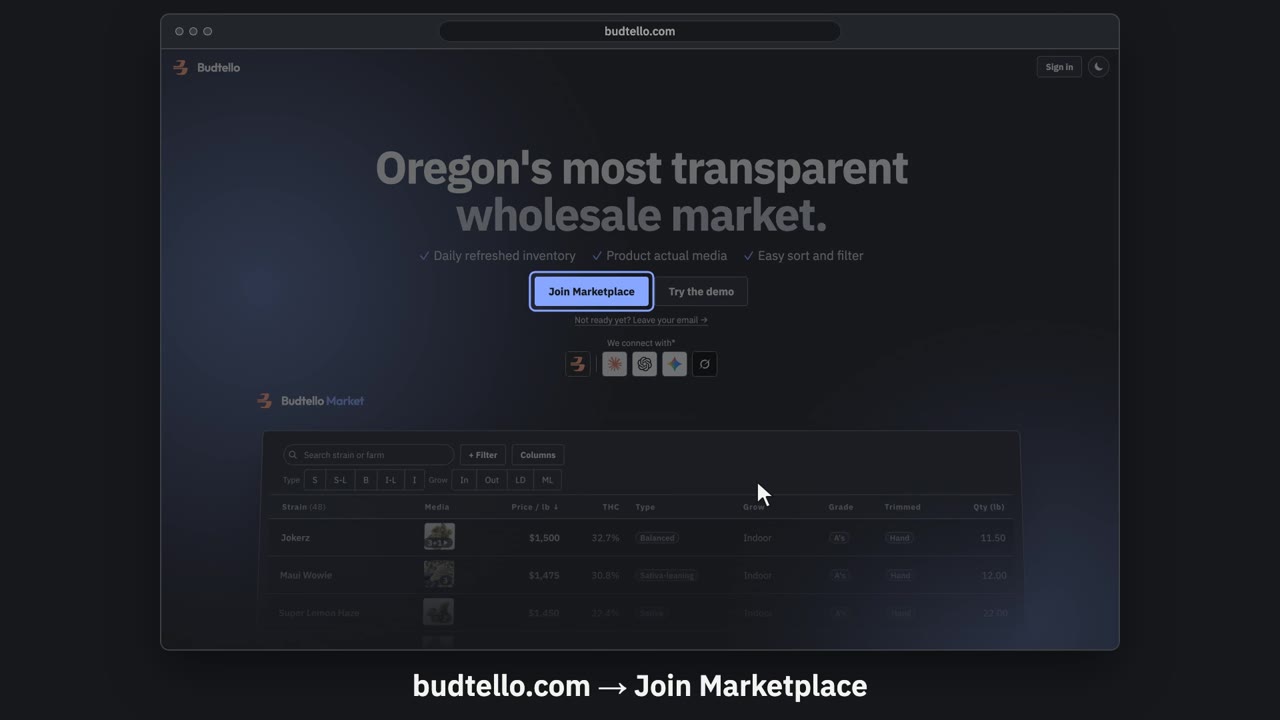
Sign up and connect Metrc · 0:57
Video transcript
Sign up for Budtello as a farm, and connect Metrc. On budtello dot com, press Join Marketplace. Create your account: your name, email and a password. Verify your licence opens by itself. It needs your Metrc user API key. Log in to Oregon Metrc. Top right menu: API Keys. Copy your User API Key. Paste your key here. Then press Verify. Key verified. Your inventory comes in, in about a minute. Sell opens with your lots from Metrc. A lot with no price stays private. Budtello only reads Metrc. It never changes a thing. The full guide is in Budtello's help.
Good to know
- There is no alert inside Metrc itself when a package empties out: the email and the Sell row are the only notice.
- Nothing about the listing is deleted: price, photos, notes and offer history all stay in place for when it's relisted.
- A buyer who had starred the lot gets no notice; its page just shows the lot is no longer on the market.