On Budtello, Oregon's wholesale cannabis marketplace, open Routes and the Leaving from line shows the starting point your delivery route, or manifest route, would plan from.
How to do it
- Open Routes (on a phone, tap the icon at the top)
- Look at the Leaving from line, which shows your licensed facility as the origin, such as a licence named in the directory
- If there is no address on file for that licence, the line says no address on file - tap to drop a pin, and a route can't be drawn until one is dropped
Video
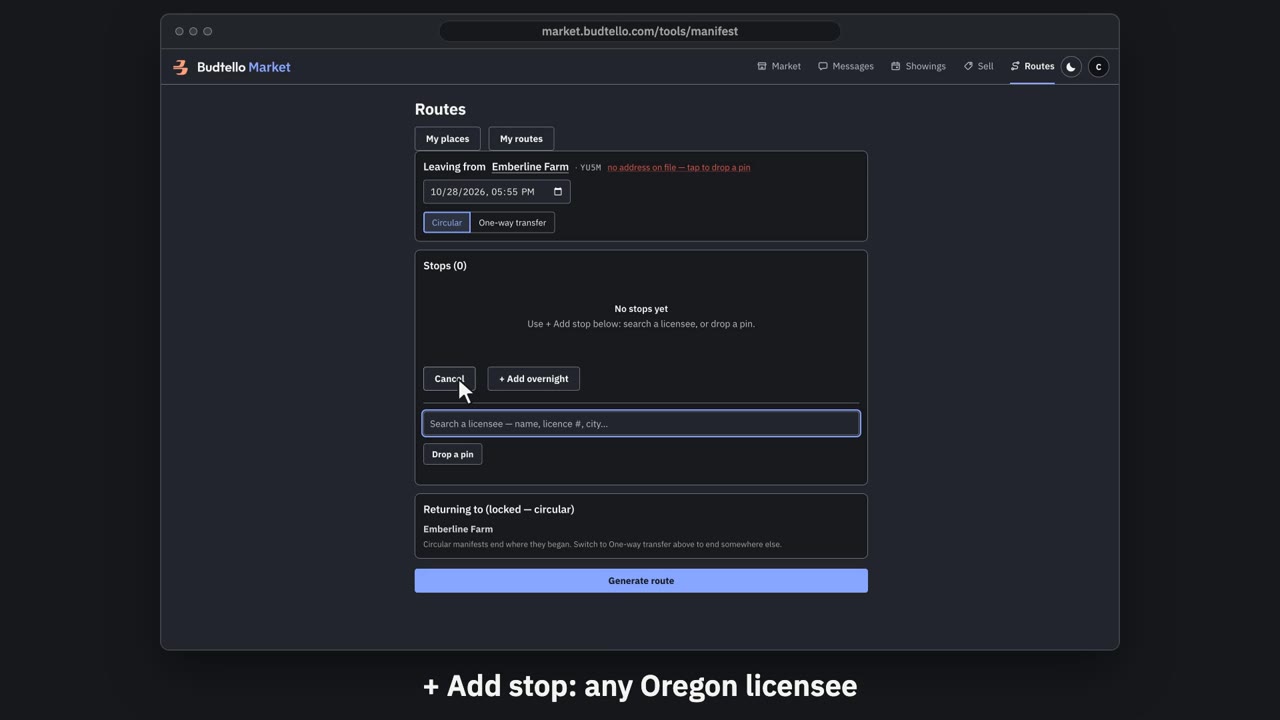
Plan a delivery run with Routes · 0:52
Video transcript
Plan a delivery run with Budtello Routes. Routes plans your delivery runs. It's free once you're verified. It leaves from your licensed premises. No address on file? Drop a pin once. Add stop searches every licensee in Oregon’s directory. Find one by name, licence number or city. My routes keeps your runs and templates. Here’s a run on the demo, with made-up stops. Each stop’s licence, arrival and departure is written out. With turn-by-turn route text. Your stop order, or the fastest. Copy it into your Metrc manifest. You still make the manifest in Metrc. Routes. Free for verified licensees.
Good to know
- A key with one licence and no saved base sets the origin automatically, with zero clicks.
- With several licences, the origin isn't pre-picked: it shows as not set, and you choose it yourself.