On Budtello, Oregon's wholesale cannabis marketplace, you create an Offer: a private price list for one customer on its own link, while your prices on the market stay the same.
How to do it
- Click Create offer (or Offer on a narrow screen). Your rows show ticked; untick any row you want to leave out
- Under Set your prices, set each price in Offer $/lb: type it, or click −$25 or +$25. A lot with no price says it needs one
- Under Who it's for, type the customer's name in Customer, and a Note if you want one
- Under How long it's good for, move the slider to set how long the offer runs, from 1 day up to No expiry
- Click Create and copy email. A message confirms the link is live, with Undo for 30 seconds
- If the line says your browser blocked the copy, click Copy email in the window, then paste, or click Copy link and paste it into a text or a chat
Video
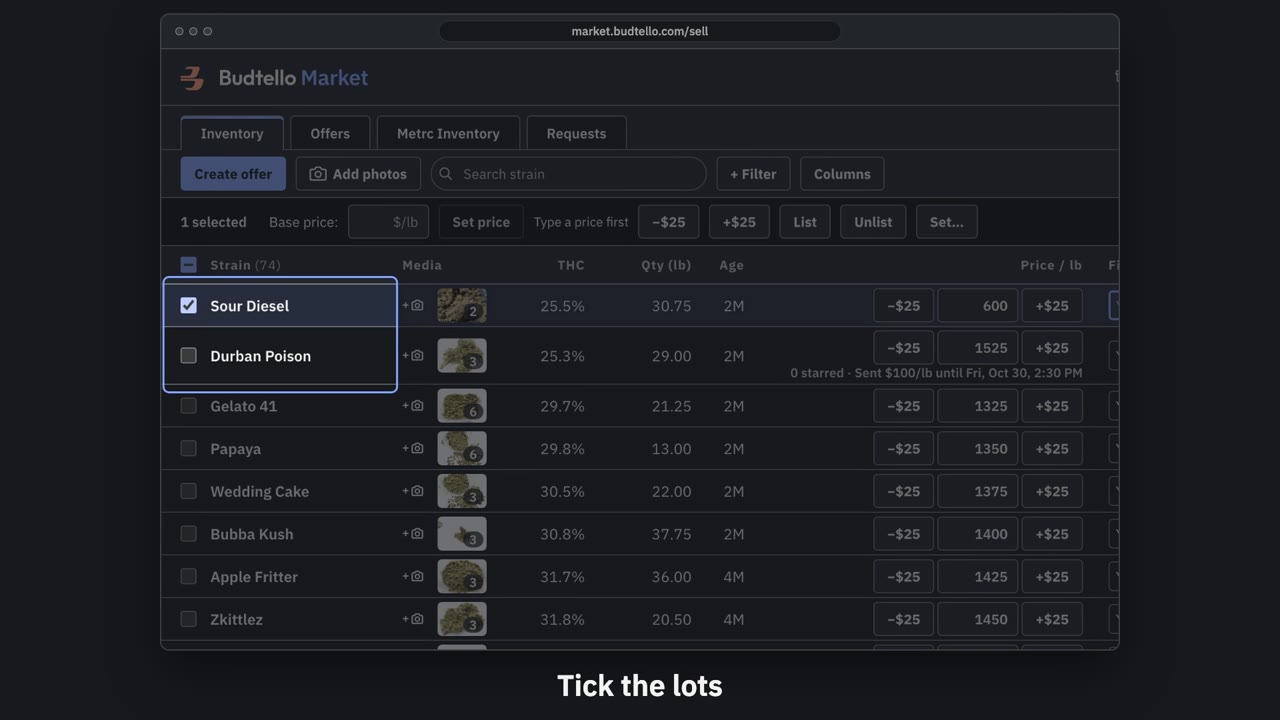
Make an offer and send it · 0:50
Video transcript
How to send a private offer. Tick the lots for this customer. An offer is a private price, for them alone. Press Create offer. Your list price, beside the price for this customer. Move them all at once, or type any price. Who it's for, and a note they'll see. How long it's good for: fourteen days, unless you change it. Here, seven days. Press Create and copy email. It's live, with thirty seconds to undo. Paste it into Gmail; they open it with no account. The full guide is in Budtello's help pages.
Good to know
- The customer opens the link without needing a Budtello account
- Your prices on the market do not change: the offer is its own private price list and its own link
- A lot with no price yet can go in an offer; it becomes a private listing at the offer price, not a market one