On Budtello, Oregon's wholesale cannabis marketplace, a lot comes off the market by itself when a full read of Metrc finds no active packages left for it — nothing is deleted, and the price, photos, notes and offer history all stay as they were.
How to do it
- Go to Sell (on a phone, tap the icon at the top) and find the row for the lot. If Metrc shows no active packages left for it, the row reads Off the market
- Open the lot. It tells you the lot came off the market because Metrc shows no packages, and that nothing was deleted: your price, photos, notes and offer history are all still there
- Search for the strain or farm name from the home page: the lot no longer shows in the table while it stays off the market
Video
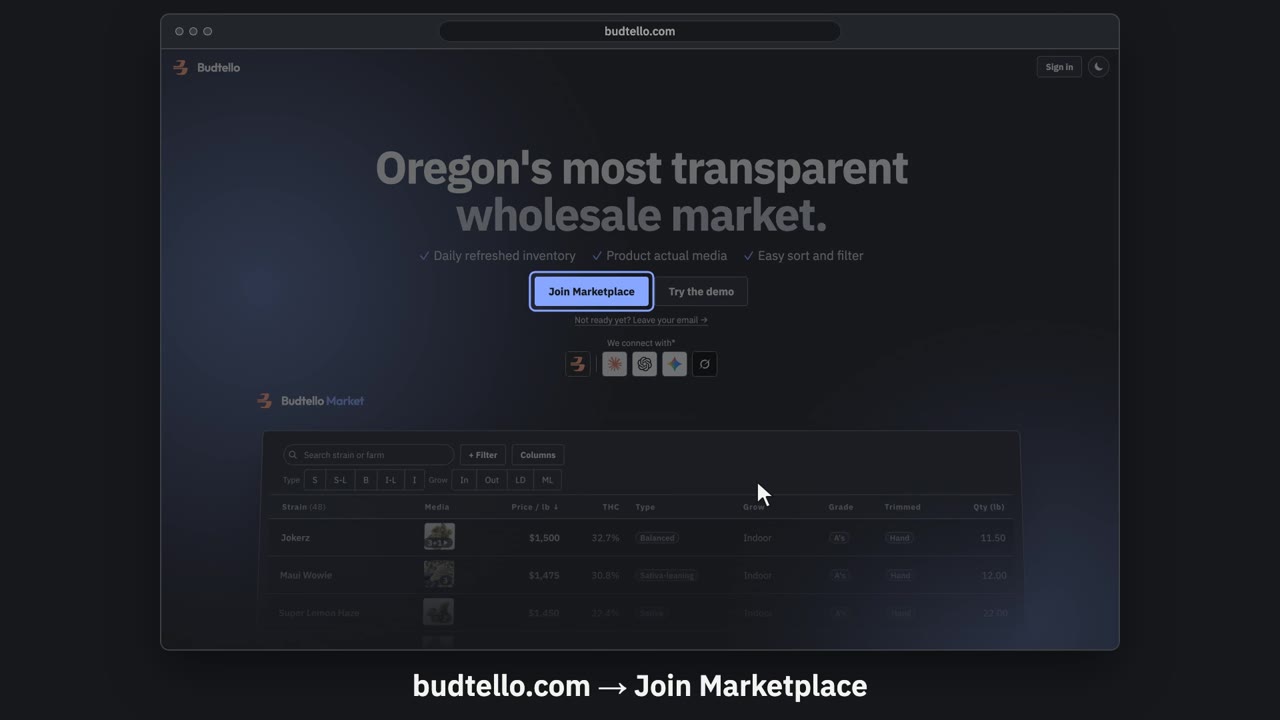
Sign up and connect Metrc · 0:57
Video transcript
Sign up for Budtello as a farm, and connect Metrc. On budtello dot com, press Join Marketplace. Create your account: your name, email and a password. Verify your licence opens by itself. It needs your Metrc user API key. Log in to Oregon Metrc. Top right menu: API Keys. Copy your User API Key. Paste your key here. Then press Verify. Key verified. Your inventory comes in, in about a minute. Sell opens with your lots from Metrc. A lot with no price stays private. Budtello only reads Metrc. It never changes a thing. The full guide is in Budtello's help.
Good to know
- A lot only comes off the market after a full read of Metrc finds no active packages left for it — it is not a mistake or a removal by Budtello.
- Nothing is deleted: the price, photos, notes and offer history stay exactly as they were.
- A buyer who had starred the lot gets no separate notice; the lot page just says it is no longer on the market.