On Budtello, Oregon's wholesale cannabis marketplace, open the Showings page and press Set your showing times to tell sellers which days and times your dispensary takes showings.
How to do it
- Open the Showings (on a phone, tap the icon at the top) page
- Press Set your showing times to open When do you take showings?
- Press Add hours and pick a day and time for the row
- Press Save times, and the page confirms Showing times saved
Video
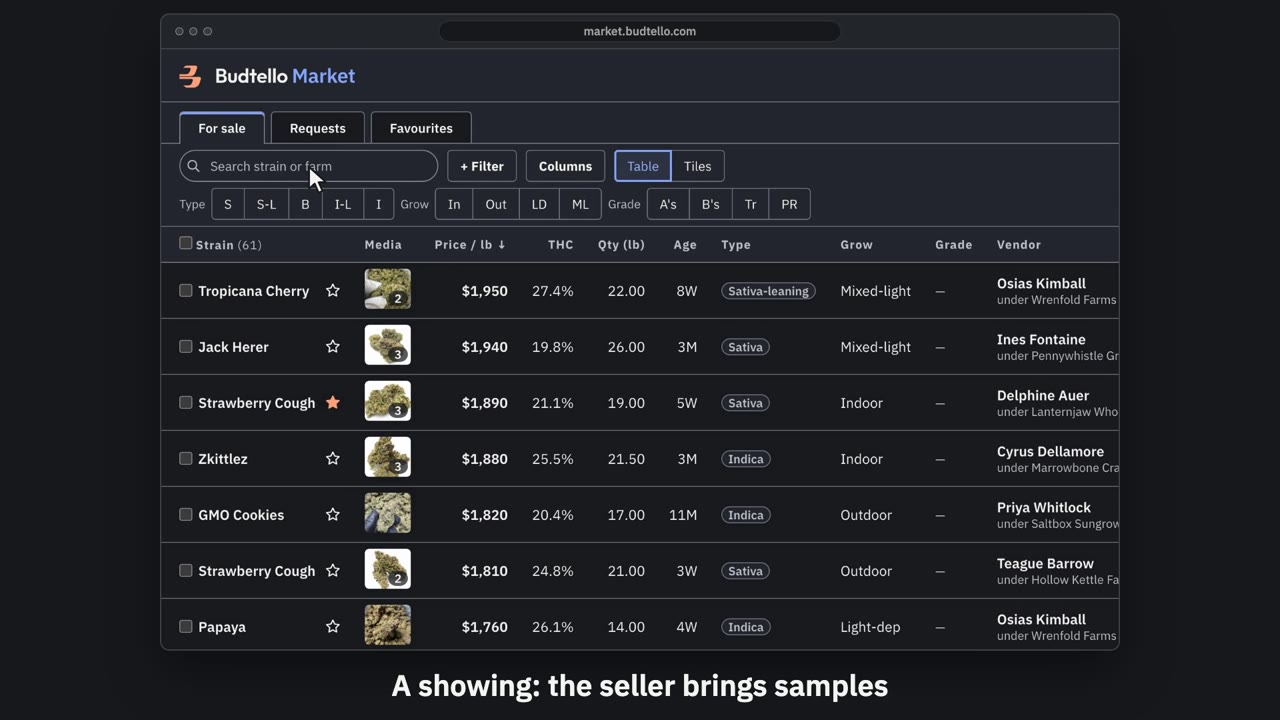
Request to see lots · 0:49
Video transcript
How to ask a seller to show you lots. Want to see lots before you buy? Ask for a showing: the seller brings samples. Tick each lot you want to see. Then press Request to see. You get one card for each seller. In My target, type the price you hope to pay a pound. Pick a day and time, Pacific. Send request. Now it waits on the seller: forty-eight hours to accept your target, counter, or keep the list price. A price you agree is yours for seventy-five days. The full guides are in Budtello's help pages.
Good to know
- Your free days then show up as choices, so a seller who offers another time can only pick one inside your hours
- You can reopen Set your showing times any time, press Remove on a row, then Save times to change them