On Budtello, Oregon's wholesale cannabis marketplace, you see those lots on the Showings tab, where each seller's offer appears as its own card.
How to do it
- Press Showings (on a phone, tap the icon at the top) in the bar to open the tab with one numbered card for each seller
- Press Reviews to see showings you've already answered.
- Open a card and answer each lot with a target before the time shown under "Answer by", choosing Accept target, Counter or Firm at list.
- Press Messages — a new time or a counter waiting on you also shows under Needs you.
Video
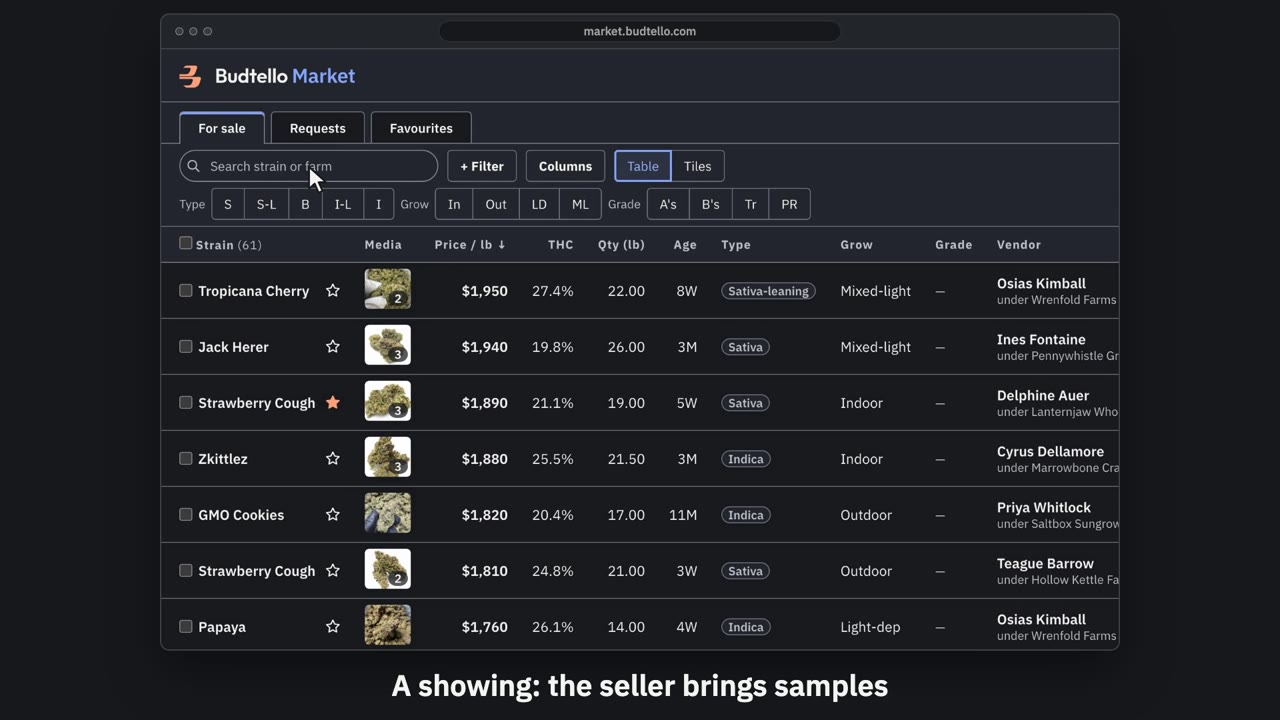
Request to see lots · 0:49
Video transcript
How to ask a seller to show you lots. Want to see lots before you buy? Ask for a showing: the seller brings samples. Tick each lot you want to see. Then press Request to see. You get one card for each seller. In My target, type the price you hope to pay a pound. Pick a day and time, Pacific. Send request. Now it waits on the seller: forty-eight hours to accept your target, counter, or keep the list price. A price you agree is yours for seventy-five days. The full guides are in Budtello's help pages.
Good to know
- The seller has 48 hours to answer each target you set; after that the lot reads No answer
- A price you agree is yours for 75 days